I still remember the first time I got a digital drawing tool. I was a kid and it was an old Wacom tablet. Somehow, I had convinced myself I would use it, and I had convinced my mom to buy it for me. Long story short, the tablet sat there gathering dust. I was optimistic when I plugged it into our family computer and downloaded the software.
I played with it a little but found the experience clunky, dull, alien, and ugly. It did not feel like drawing at all. Back to “real” drawing on paper for me.
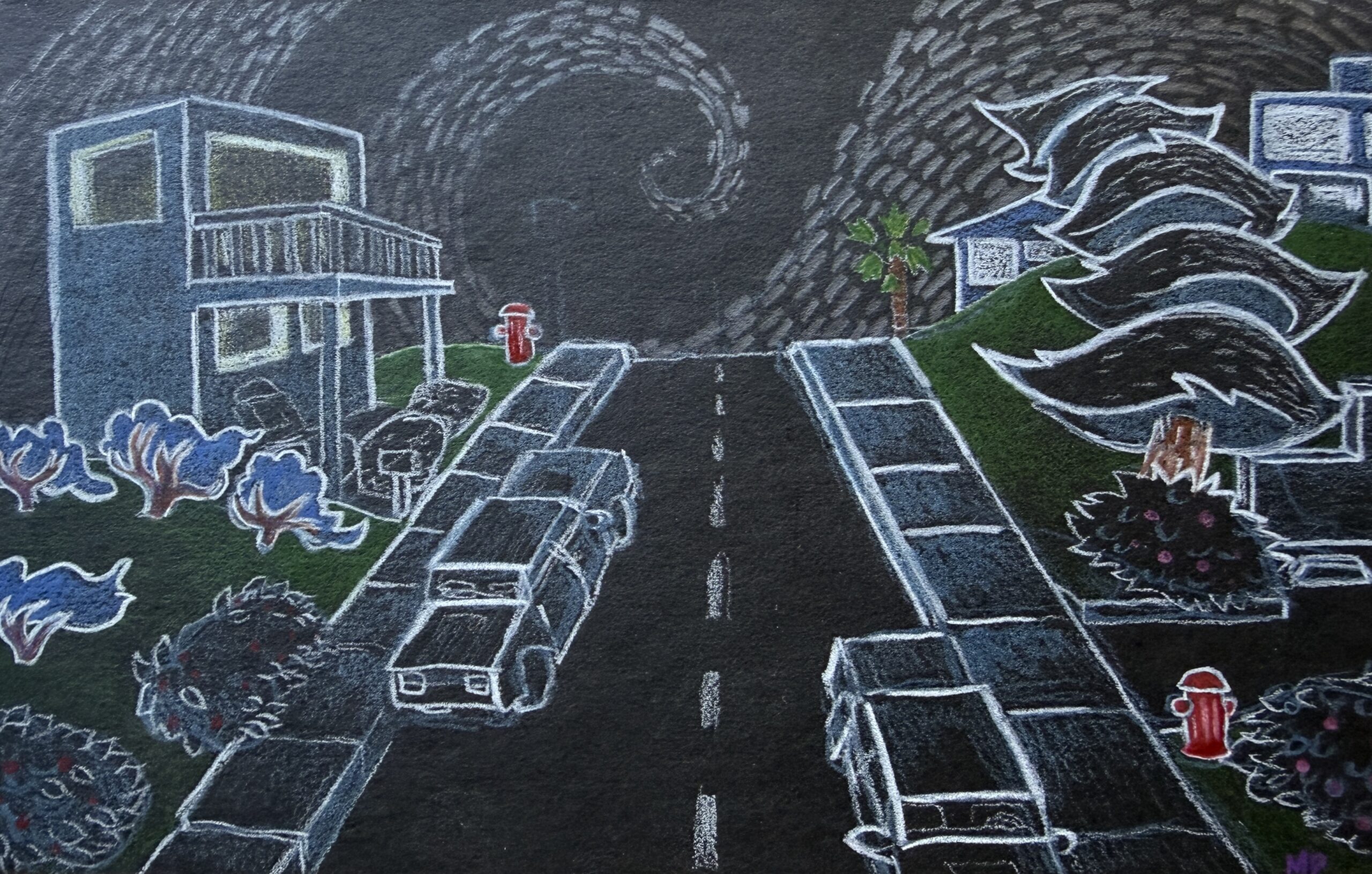
That must have been around 1995. No digital drawings survive from that time, but here is one from around then that I did on paper.
Fast forward a decade or more and I was an idealistic young adult. I had just emerged from my post-college Luddite phase, when I tried living off the land in a forest cabin in Costa Rica with no electricity (maybe more on that in a future essay). That idealistic experiment was supposed to last the rest of my life but only lasted about two years.
One of my first concessions as I returned to industrial society was getting a computer (still no car, no phone, no shoes, no credit cards). They must have had the Wacom drawing pads near the computers in the Apple Store, and I bought one impulsively. There were no iPads yet. Imagine that.

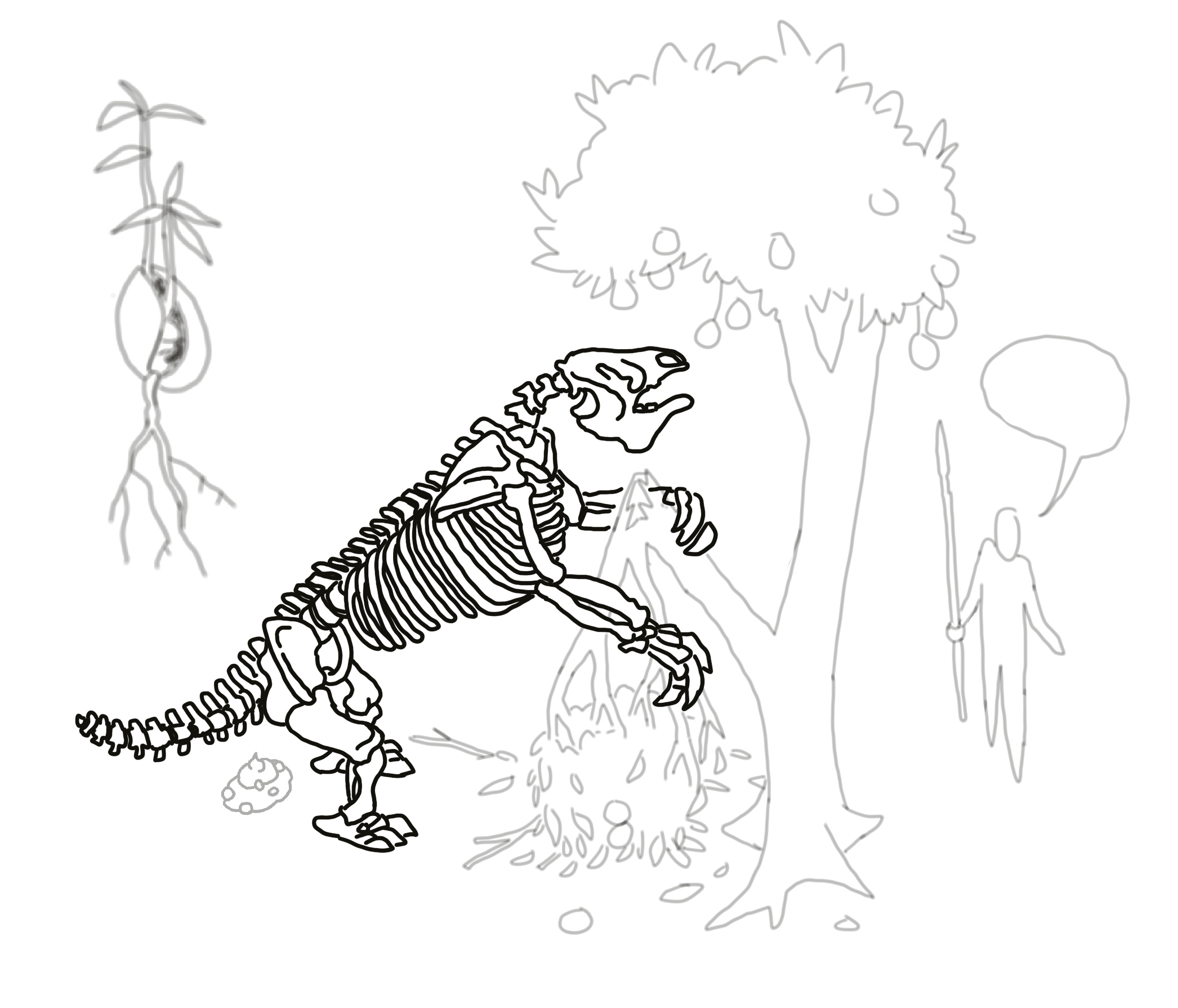
My second foray into digital drawing lasted longer. I had fun with it and did productive work with it as well. The drawing pad came with a basic version of Adobe Photoshop, the kind you downloaded and owned, unlike the current scam. Little by little, I learned how to do some digital coloring too. I made a little kids’ book about animal tracking; all the drawings were ink that I then scanned and colored on the computer.
That was about the time I started nature journaling. I took a deep dive into watercolor, applied for a science illustration program, and took a full load of art classes at a community college. One of the classes I took was Adobe Photoshop. I learned a lot and forgot a lot over the course of the semester. I also got a student-priced subscription.
Pretty soon, Photoshop was getting harder and harder to use. I was spending more time doing watercolor and nature journaling, but I was still paying Adobe every month. When I tried to unsubscribe, I realized they intentionally make it hard. There is no simple “unsubscribe” button. Imagine that.
Another decade later, many of my analog art friends started talking about Procreate. How easy and intuitive it was. They were making cool comics and stickers, and they didn’t have to deal with scanning and color issues when reproducing traditional art. I was skeptical about the name “Procreate?” I thought, “Do you know what that word actually means?”
At this point, I wasn’t only cynical about the way words like procreate get used but I was also cynical about digital drawing in general. It all looked the same to me. I was also really focused on sketching in the field in challenging conditions, like rainforest canopies, swamps, remote islands and places where you can’t take an iPad. I had filled over 4,000 pages of sketchbooks by this time. However, I was also starting to get more illustration gigs and realizing how time-consuming it is to do everything with ink and watercolor. Especially when a client asks for something to be changed or tweaked slightly after I have already spent ten hours drawing and painting it.
“Can you just disappear the tree in the background?”
Long story short: I bought an iPad a couple of months ago.
I needed an economical option, so I did a bunch of research in advance. I didn’t want a $1,200 one. Here is the one I eventually got. I also got the Apple Pencil Pro. I’m not sure if it is worth it compared to the regular Apple Pencil because I haven’t tried both. I don’t love the pencil, to be honest.
I also splurged on a fancy screen cover that is supposed to make drawing on an iPad feel more like drawing on paper. I don’t think that was really worth it either. Screen protectors can cost close to $100! Imagine that.
Then I had to actually learn how to use the thing.
Unlike my old Wacom tablets, where I drew on a separate pad while looking up at the computer screen, Procreate lets me draw directly on the iPad screen with the Apple Pencil. That small difference makes the experience feel much closer to actually drawing on paper.
This month I have been taking Procreate classes on Skillshare as a kind of experiment. Instead of just watching tutorials, I have been trying to actually follow along, do the exercises, and see what happens when I give digital drawing some real practice. One thing I learned almost immediately is that a 30- or 40-minute class does not take 30 or 40 minutes if you are actually drawing. It can easily turn into a couple of hours. So my original idea of racing through lots of classes quickly fell apart. Instead, I have been slowly working through classes on Procreate, faces, botanical painting, and especially color, while trying different brushes and figuring out which parts of digital drawing might actually be useful for the kind of art I already make. It is also possible to combine digital art with mixed media as I learned while working on the image below.
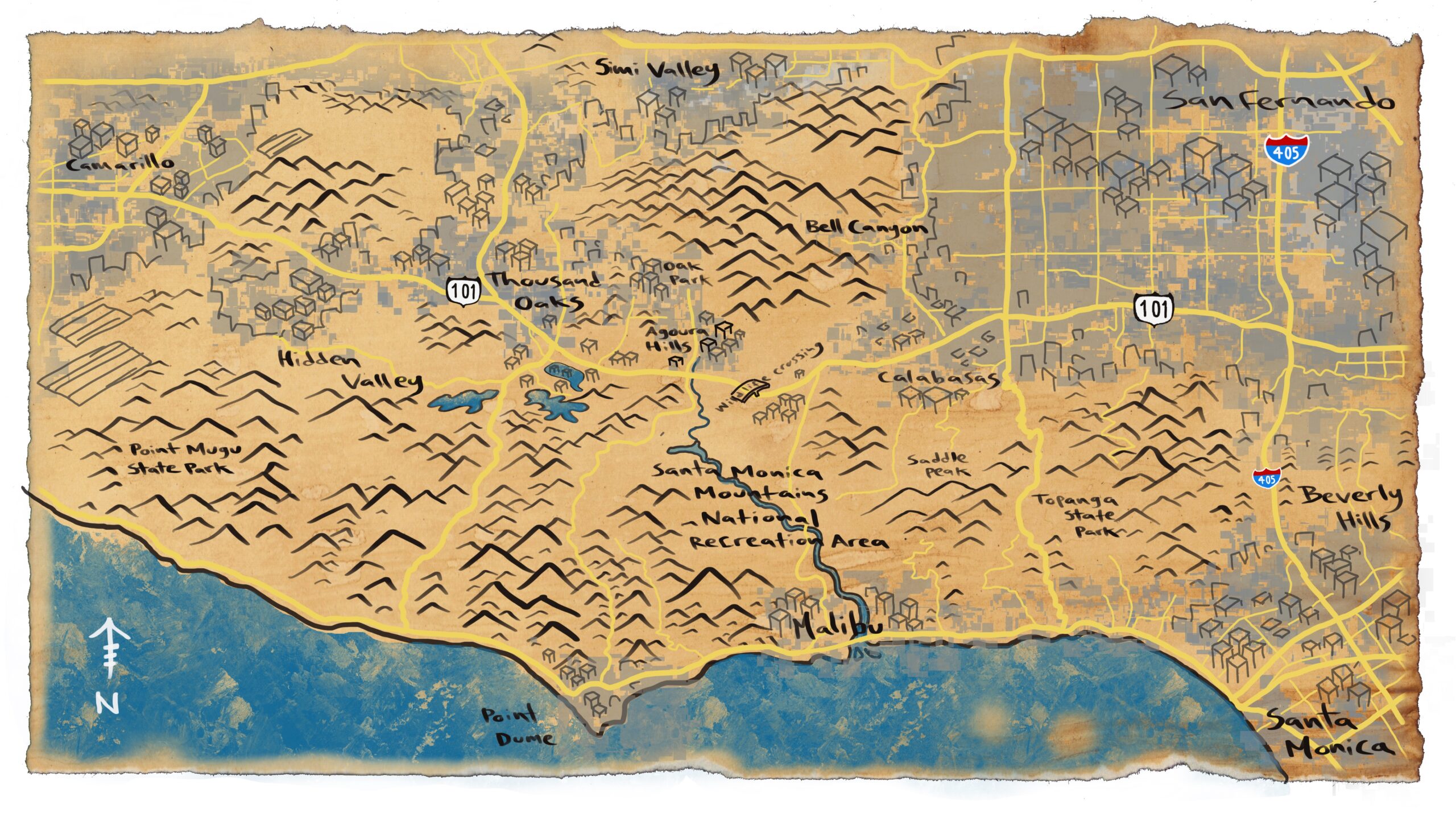
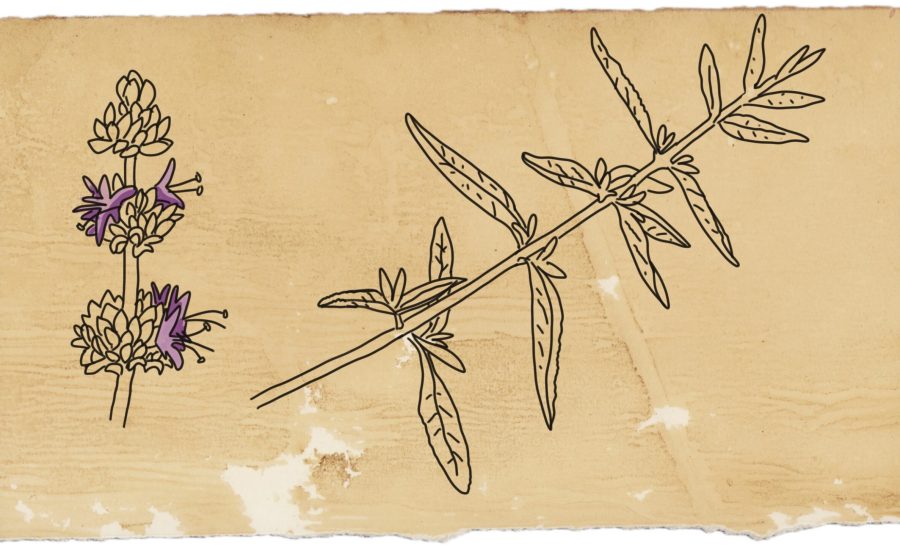
So what have I learned so far? Mostly that digital drawing no longer feels as alien as it did when I was a kid, but it also isn’t magically better, faster, or easier than traditional media. There are things I still prefer about ink, watercolor, paper, and sketchbooks, and I don’t see myself giving those up. But I’m beginning to see Procreate less as a replacement for “real” drawing and more as another tool—one that might be especially useful for illustration, experimentation, coloring, and making changes without repainting an entire picture. I’m currently using Procreate for some of the illustrations in my urban field guide and also for a publication on wildlife connectivity in the Santa Monica mountains.
It only took me about thirty years to learn how to use digital drawing to my advantage. Imagine that.